
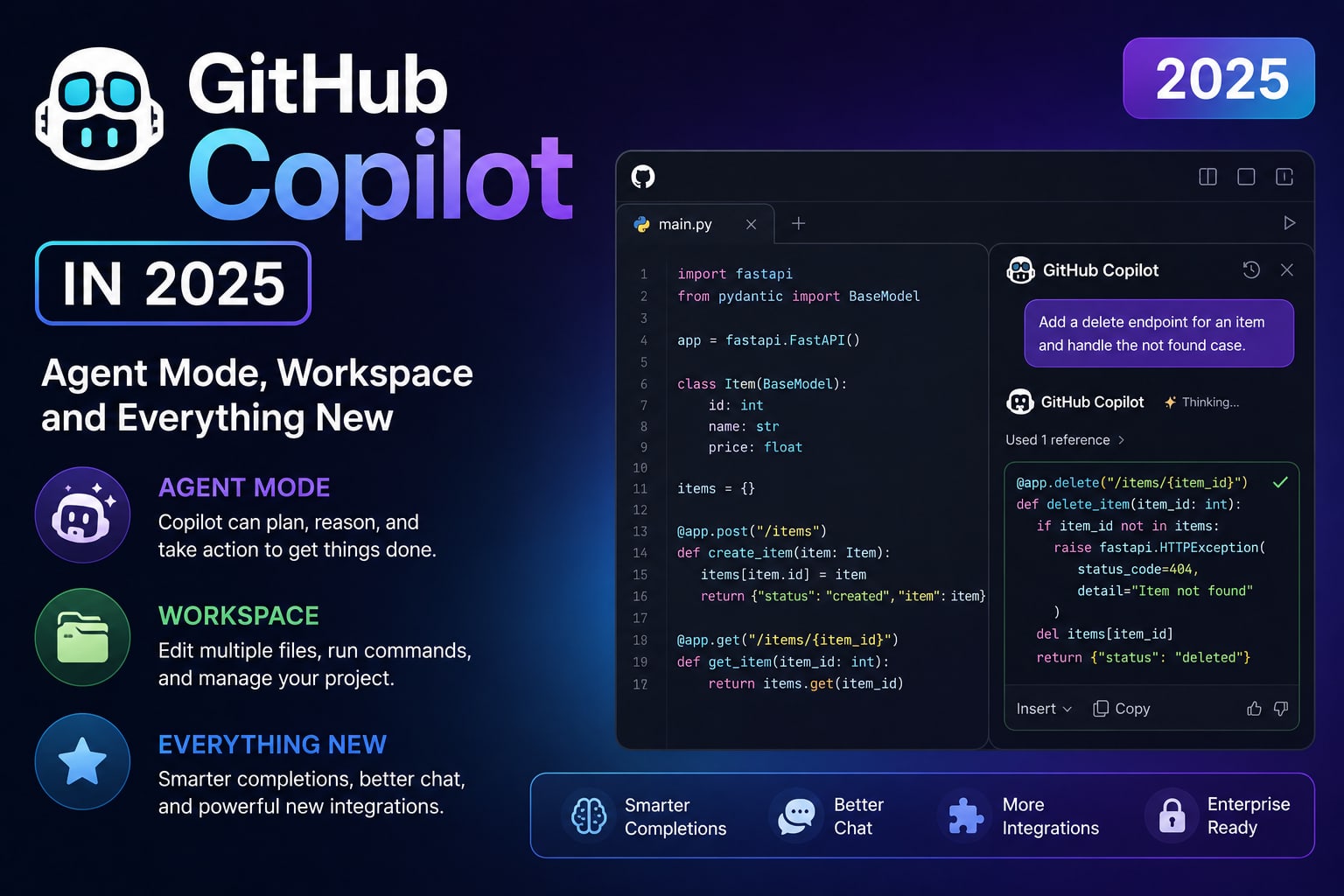
Beyond Autocomplete
When GitHub Copilot launched in 2021, it was a remarkably good autocomplete tool. You typed a function signature and the AI filled in the body. Impressive, but you were still writing code line by line — just faster. Copilot in 2025 is a fundamentally different product built on fundamentally different assumptions about what AI-assisted development should look like.
Agent Mode in VS Code
Copilot Agent Mode turns Copilot from a suggestion engine into an autonomous executor. Instead of suggesting completions, you give it a multi-step task, and it plans and executes a series of actions: reading files, writing code, running terminal commands, reading test output, fixing failures. You watch the progress in a panel and can intervene, approve, or redirect at any point.
"Add a rate limiting middleware to the API routes. Use the existing config patterns. Write tests for it. Make sure the existing tests still pass." — Copilot Agent will do all of this autonomously.
Copilot Workspace
Copilot Workspace is a browser-based environment where you start from a GitHub Issue and Copilot builds a complete implementation plan. It breaks the issue into steps, writes the code changes across multiple files, shows you diffs, lets you regenerate any individual step, and then opens a pull request — all without opening your local development environment.
Copilot Code Review
Copilot Code Review automatically reviews pull requests and leaves comments — finding potential bugs, suggesting improvements, flagging security issues, and noting style inconsistencies. It runs on every PR automatically and works like an asynchronous code reviewer available 24/7.
Multi-File Editing with Copilot Edits
Copilot Edits lets you make coordinated changes across multiple files by describing the change once. Select the files you want to modify, describe the change, and Copilot rewrites all of them consistently. Excellent for refactoring — renaming a concept, changing an interface, updating a pattern throughout a codebase.
The $19/month Question
GitHub Copilot Business is $19/user/month with agent mode, workspace, and code review features. For any developer being paid a professional salary, this is noise-level money for a tool that genuinely affects daily productivity. The productivity argument is clear. The more interesting question is: what exactly are you getting paid to do now that AI handles the mechanical parts of coding?