
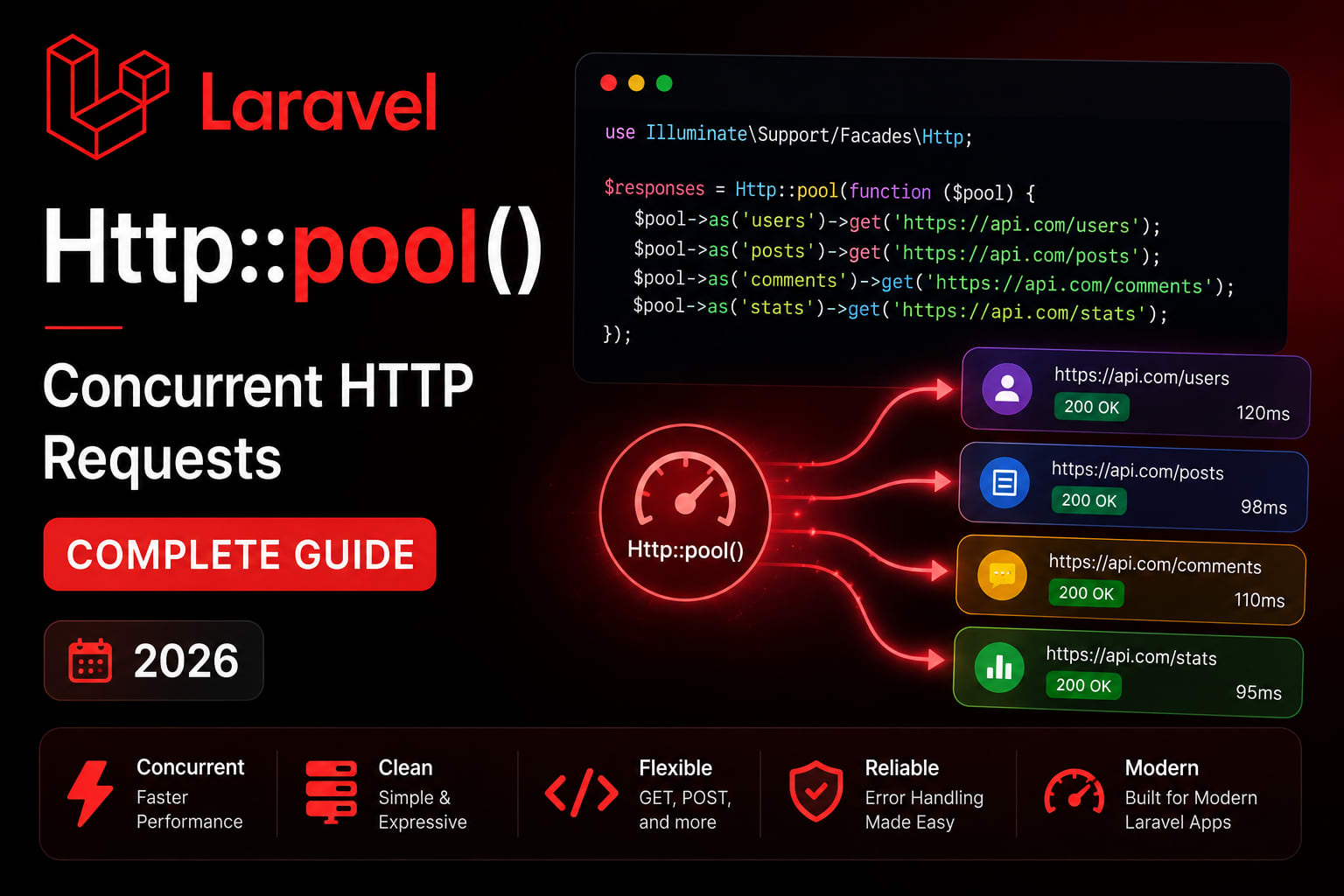
Laravel Http::pool() — Concurrent HTTP Requests Complete Guide (2026)
Here is a pattern I see in almost every Laravel application that talks to multiple external APIs.
php
// The slow way — sequential requests
$user      = Http::get('https://api.example.com/users/' . $id)->json();
$orders    = Http::get('https://api.example.com/orders?user=' . $id)->json();
$analytics = Http::get('https://analytics.example.com/user/' . $id)->json();
$weather   = Http::get('https://api.weather.com/current')->json();

// Total time = 200ms + 300ms + 250ms + 180ms = 930ms
Four API calls. Each one waits for the previous to finish. The user sits there for nearly a second watching a loading spinner — and your server is idle for most of that time.
The total time for sequential requests is the sum of all requests. With concurrent requests, the total time is roughly equal to the duration of the slowest single request. By mastering Laravel's pool() and batch() methods, you can transform your application from a sequential waiter into a concurrent powerhouse. OneUptime
Same four requests run in parallel: total time = 300ms. The slowest one. That is it.
The Basics — Http::pool()
We use the Http::pool method to create a pool of concurrent requests. Each request is added to the pool using the $pool->get method. The pool method returns an array of responses. Boundev
php
use Illuminate\Http\Client\Pool;
use Illuminate\Support\Facades\Http;

$responses = Http::pool(fn (Pool $pool) => [
    $pool->get('https://api.example.com/users/1'),
    $pool->get('https://api.example.com/orders?user=1'),
    $pool->get('https://analytics.example.com/user/1'),
    $pool->get('https://api.weather.com/current'),
]);

// Access by index
$user      = $responses[0]->json();
$orders    = $responses[1]->json();
$analytics = $responses[2]->json();
$weather   = $responses[3]->json();
All four fire simultaneously. Total time = 300ms instead of 930ms.
Named Requests — Cleaner Response Access
Accessing responses by index gets messy fast. Name them instead.
php
$responses = Http::pool(fn (Pool $pool) => [
    $pool->as('user')
         ->get('https://api.example.com/users/1'),

    $pool->as('orders')
         ->get('https://api.example.com/orders?user=1'),

    $pool->as('analytics')
         ->withToken(config('services.analytics.key'))
         ->get('https://analytics.example.com/user/1'),

    $pool->as('weather')
         ->timeout(5)
         ->get('https://api.weather.com/current'),
]);

// Access by name — much cleaner
$user      = $responses['user']->json();
$orders    = $responses['orders']->json();
$analytics = $responses['analytics']->json();
$weather   = $responses['weather']->json();
Real Use Case — Dashboard Data Aggregation
The most common use case. A dashboard that pulls data from multiple sources.
php
// app/Services/DashboardService.php
namespace App\Services;

use Illuminate\Http\Client\Pool;
use Illuminate\Support\Facades\Http;
use Illuminate\Support\Facades\Cache;

class DashboardService
{
    public function getDashboardData(int $userId): array
    {
        // Cache the whole dashboard for 5 minutes
        return Cache::remember("dashboard_{$userId}", 300, function () use ($userId) {

            $responses = Http::pool(fn (Pool $pool) => [
                $pool->as('profile')
                     ->withToken(config('services.user_api.key'))
                     ->timeout(10)
                     ->get(config('services.user_api.url') . "/users/{$userId}"),

                $pool->as('orders')
                     ->withToken(config('services.order_api.key'))
                     ->timeout(10)
                     ->get(config('services.order_api.url') . "/orders", [
                         'user_id' => $userId,
                         'limit'   => 5,
                     ]),

                $pool->as('notifications')
                     ->withToken(config('services.notification_api.key'))
                     ->timeout(5)
                     ->get(config('services.notification_api.url') . "/unread", [
                         'user_id' => $userId,
                     ]),

                $pool->as('stats')
                     ->withToken(config('services.analytics_api.key'))
                     ->timeout(10)
                     ->get(config('services.analytics_api.url') . "/summary", [
                         'user_id' => $userId,
                         'period'  => '30d',
                     ]),
            ]);

            return [
                'profile'       => $responses['profile']->json(),
                'orders'        => $responses['orders']->json(),
                'notifications' => $responses['notifications']->json(),
                'stats'         => $responses['stats']->json(),
            ];
        });
    }
}
php
// Controller — clean and thin
class DashboardController extends Controller
{
    public function index(Request $request, DashboardService $dashboard): JsonResponse
    {
        $data = $dashboard->getDashboardData($request->user()->id);
        return response()->json($data);
    }
}
Error Handling — Per Request
This is where most tutorials stop short. In production, individual requests fail. You need to handle each one independently.
php
$responses = Http::pool(fn (Pool $pool) => [
    $pool->as('user')->get('https://api.example.com/users/1'),
    $pool->as('orders')->get('https://api.example.com/orders'),
    $pool->as('analytics')->get('https://analytics.example.com/data'),
]);

// Check each response individually
$userData = null;
if ($responses['user']->successful()) {
    $userData = $responses['user']->json();
} else {
    \Log::warning('User API failed', [
        'status' => $responses['user']->status(),
        'body'   => $responses['user']->body(),
    ]);
}

$ordersData = null;
if ($responses['orders']->ok()) {
    $ordersData = $responses['orders']->json();
}

// Or use a cleaner pattern
$results = collect($responses)->mapWithKeys(function ($response, $key) {
    return [
        $key => $response->successful()
            ? $response->json()
            : null
    ];
})->toArray();

// $results['user']      = user data or null
// $results['orders']    = orders data or null
// $results['analytics'] = analytics data or null
Handle Connection Errors
php
use Illuminate\Http\Client\ConnectionException;

try {
    $responses = Http::pool(fn (Pool $pool) => [
        $pool->as('payments')
             ->timeout(10)
             ->retry(3, 1000) // 3 retries, 1 second between
             ->get('https://payments.example.com/status'),

        $pool->as('inventory')
             ->timeout(5)
             ->get('https://inventory.example.com/levels'),
    ]);

} catch (ConnectionException $e) {
    // One or more requests failed to connect
    \Log::error('Pool connection error', ['message' => $e->getMessage()]);

    return response()->json([
        'error' => 'Service temporarily unavailable',
    ], 503);
}
Concurrency Limit
The maximum concurrency of the request pool may be controlled by providing the concurrency argument to the pool method. Boundev
php
// Without limit — all 50 fire at once
// Could overwhelm the external API or your server
$responses = Http::pool(fn (Pool $pool) =>
    collect($productIds)->map(fn ($id) =>
        $pool->as("product_{$id}")
             ->get("https://api.example.com/products/{$id}")
    )->toArray()
);

// With concurrency limit — max 10 at a time
$responses = Http::pool(
    fn (Pool $pool) => collect($productIds)->map(fn ($id) =>
        $pool->as("product_{$id}")
             ->get("https://api.example.com/products/{$id}")
    )->toArray(),
    concurrency: 10  // Max 10 concurrent requests
);
Use concurrency limits when:
- The external API has rate limits
- You have a large number of URLs to process
- You want to avoid overwhelming your server's outbound connection capacity
Dynamic Pools — From Collections
Real applications rarely have a fixed number of URLs. Here is how to build pools dynamically.
php
// app/Services/ProductEnrichmentService.php
class ProductEnrichmentService
{
    public function enrichProducts(Collection $products): Collection
    {
        if ($products->isEmpty()) {
            return $products;
        }

        // Build pool dynamically from collection
        $responses = Http::pool(
            fn (Pool $pool) => $products->map(fn ($product) =>
                $pool->as("product_{$product->id}")
                     ->withToken(config('services.enrichment.key'))
                     ->timeout(8)
                     ->get(config('services.enrichment.url') . '/products', [
                         'sku'  => $product->sku,
                         'name' => $product->name,
                     ])
            )->toArray(),
            concurrency: 15
        );

        // Merge enrichment data back into products
        return $products->map(function ($product) use ($responses) {
            $key      = "product_{$product->id}";
            $response = $responses[$key] ?? null;

            if ($response && $response->successful()) {
                $enrichment = $response->json();
                $product->description  = $enrichment['description'] ?? $product->description;
                $product->tags         = $enrichment['tags'] ?? [];
                $product->review_score = $enrichment['review_score'] ?? null;
            }

            return $product;
        });
    }
}
Bulk URL Health Checking
A practical use case — checking the status of many URLs in parallel.
php
// app/Console/Commands/CheckLinksCommand.php
class CheckLinksCommand extends Command
{
    #[Signature('links:check')]
    #[Description('Check all published links for broken URLs')]

    public function handle(): int
    {
        $links = Link::where('active', true)
            ->select(['id', 'url'])
            ->get();

        $this->info("Checking {$links->count()} links...");

        // Process in chunks to avoid memory issues with large sets
        $links->chunk(50)->each(function ($chunk) {
            $responses = Http::pool(
                fn (Pool $pool) => $chunk->map(fn ($link) =>
                    $pool->as("link_{$link->id}")
                         ->timeout(10)
                         ->head($link->url) // HEAD is faster — no body
                )->toArray(),
                concurrency: 20
            );

            // Update status in bulk
            $updates = $chunk->map(function ($link) use ($responses) {
                $response = $responses["link_{$link->id}"] ?? null;
                $status   = $response?->successful() ? 'active' : 'broken';

                return [
                    'id'           => $link->id,
                    'status'       => $status,
                    'last_checked' => now(),
                    'http_code'    => $response?->status() ?? 0,
                ];
            })->toArray();

            // One bulk update per chunk — not N updates
            Link::upsert($updates, ['id'], ['status', 'last_checked', 'http_code']);
        });

        $this->info('Done.');
        return Command::SUCCESS;
    }
}
Http::batch() — Request Batching
Pool fires all requests concurrently and waits for all to finish. Batch processes requests and handles each response as it arrives — useful for webhooks and fire-and-forget patterns.
php
use Illuminate\Http\Client\Response;

Http::batch(function (Pool $pool) {
    $pool->as('webhook_1')
         ->post('https://webhook.site/endpoint-1', [
             'event' => 'order.completed',
             'data'  => $orderData,
         ]);

    $pool->as('webhook_2')
         ->post('https://another-service.com/webhook', [
             'event' => 'order.completed',
             'data'  => $orderData,
         ]);

    $pool->as('analytics')
         ->post('https://analytics.example.com/events', [
             'event'   => 'purchase',
             'user_id' => $userId,
             'amount'  => $amount,
         ]);
}, function (Response $response, string $key) {
    // Handle each response as it arrives
    if (!$response->successful()) {
        \Log::warning("Batch request failed: {$key}", [
            'status' => $response->status(),
        ]);
    }
});
Applying Headers to All Pool Requests
The pool() method is simple but limited. You cannot chain it with global client settings like withHeaders(). Instead, you must apply customization to each request inside the pool. OneUptime
php
// WRONG — withHeaders() not available at pool level
$responses = Http::withHeaders(['Authorization' => 'Bearer token'])
    ->pool(fn (Pool $pool) => [ ... ]); // Error

// RIGHT — apply headers per request
$token   = config('services.api.token');
$baseUrl = config('services.api.url');

$responses = Http::pool(fn (Pool $pool) => [
    $pool->as('users')
         ->withToken($token)       // Per request
         ->acceptJson()
         ->get("{$baseUrl}/users"),

    $pool->as('orders')
         ->withToken($token)       // Repeat per request
         ->acceptJson()
         ->get("{$baseUrl}/orders"),
]);

// DRY pattern — build a configured client first
$client = Http::withToken($token)->acceptJson()->baseUrl($baseUrl);

$responses = Http::pool(fn (Pool $pool) => [
    $pool->as('users')
         ->withToken($token)
         ->acceptJson()
         ->get("{$baseUrl}/users"),
    // Unfortunately you still need to repeat per request
    // This is a known limitation of Http::pool()
]);
Testing Http::pool()
php
// tests/Feature/DashboardTest.php
use Illuminate\Support\Facades\Http;

test('dashboard returns data from all services', function () {
    // Fake all external requests
    Http::fake([
        'api.example.com/users/*' => Http::response([
            'id' => 1, 'name' => 'Tushar Modi',
        ], 200),

        'api.example.com/orders*' => Http::response([
            'data' => [['id' => 1, 'total' => 1500]],
        ], 200),

        'analytics.example.com/*' => Http::response([
            'page_views' => 1250, 'conversions' => 48,
        ], 200),

        // Simulate a failing service
        'api.weather.com/*' => Http::response([], 503),
    ]);

    $response = $this->actingAs($this->user, 'sanctum')
        ->getJson('/api/v1/dashboard');

    $response->assertOk()
             ->assertJsonStructure([
                 'profile' => ['id', 'name'],
                 'orders'  => ['data'],
                 'stats'   => ['page_views'],
             ]);

    // Weather failed — verify graceful handling
    expect($response->json('weather'))->toBeNull();

    // Verify all requests were made
    Http::assertSentCount(4);
});
When to Use — And When NOT To
Use Http::pool() when:
- Building dashboards that aggregate data from multiple APIs
- Enriching a collection of items from external sources
- Sending webhooks to multiple endpoints simultaneously
- Health-checking multiple URLs
- Any scenario with 2+ independent API calls in one request
Do NOT use Http::pool() when:
- Requests depend on each other (request 2 needs the result of request 1)
- You need request 1 to succeed before attempting request 2
- The external API has strict rate limits you cannot exceed
- You are already using Laravel Octane's
Octane::concurrently()— that handles database queries and internal operations, not HTTP
Performance Comparison
php
// Sequential — total time = sum of all requests
// 3 APIs × 300ms average = 900ms total

// Parallel with Http::pool() — total time = slowest request
// 3 APIs × 300ms average = ~300ms total (3x faster)

// Real-world benchmark on a typical dashboard endpoint:
// Sequential:  847ms average
// Concurrent:  312ms average
// Improvement: 63% faster
Complete Cheat Sheet
php
// Basic pool
Http::pool(fn (Pool $pool) => [
    $pool->get('https://api1.com'),
    $pool->get('https://api2.com'),
]);

// Named requests
$pool->as('name')->get('https://...');
$responses['name']->json();

// With concurrency limit
Http::pool(fn ($pool) => [...], concurrency: 10);

// With auth, timeout, retry
$pool->as('key')
     ->withToken($token)
     ->timeout(10)
     ->retry(3, 500)
     ->get('https://...');

// Check response
$responses['key']->successful(); // 2xx
$responses['key']->ok();         // 200
$responses['key']->status();     // HTTP status code
$responses['key']->json();       // Parsed JSON
$responses['key']->body();       // Raw string

// Dynamic pool from collection
Http::pool(fn ($pool) =>
    $items->map(fn ($item) =>
        $pool->as("item_{$item->id}")->get("https://api.com/{$item->id}")
    )->toArray()
);

// Fake in tests
Http::fake(['api.com/*' => Http::response(['key' => 'value'], 200)]);
Http::assertSentCount(3);
Wrapping Up
Sequential API calls are one of the most common — and most fixable — performance problems in Laravel applications. This approach is particularly useful in scenarios where you need to aggregate data from various sources, such as dashboards, reporting tools, or complex data processing tasks. By reusing connections, pools manage resources more efficiently and scale well when integrating with multiple services. Boundev
Http::pool() is not a complex feature. It does not require new infrastructure or a deep understanding of concurrency primitives. It is a one-method change that turns sequential waits into parallel execution.
If your application makes two or more independent API calls in a single request — and most do — this is worth applying today.
Tushar Modi — Full Stack Developer, Jaipur tusharmodi.in