
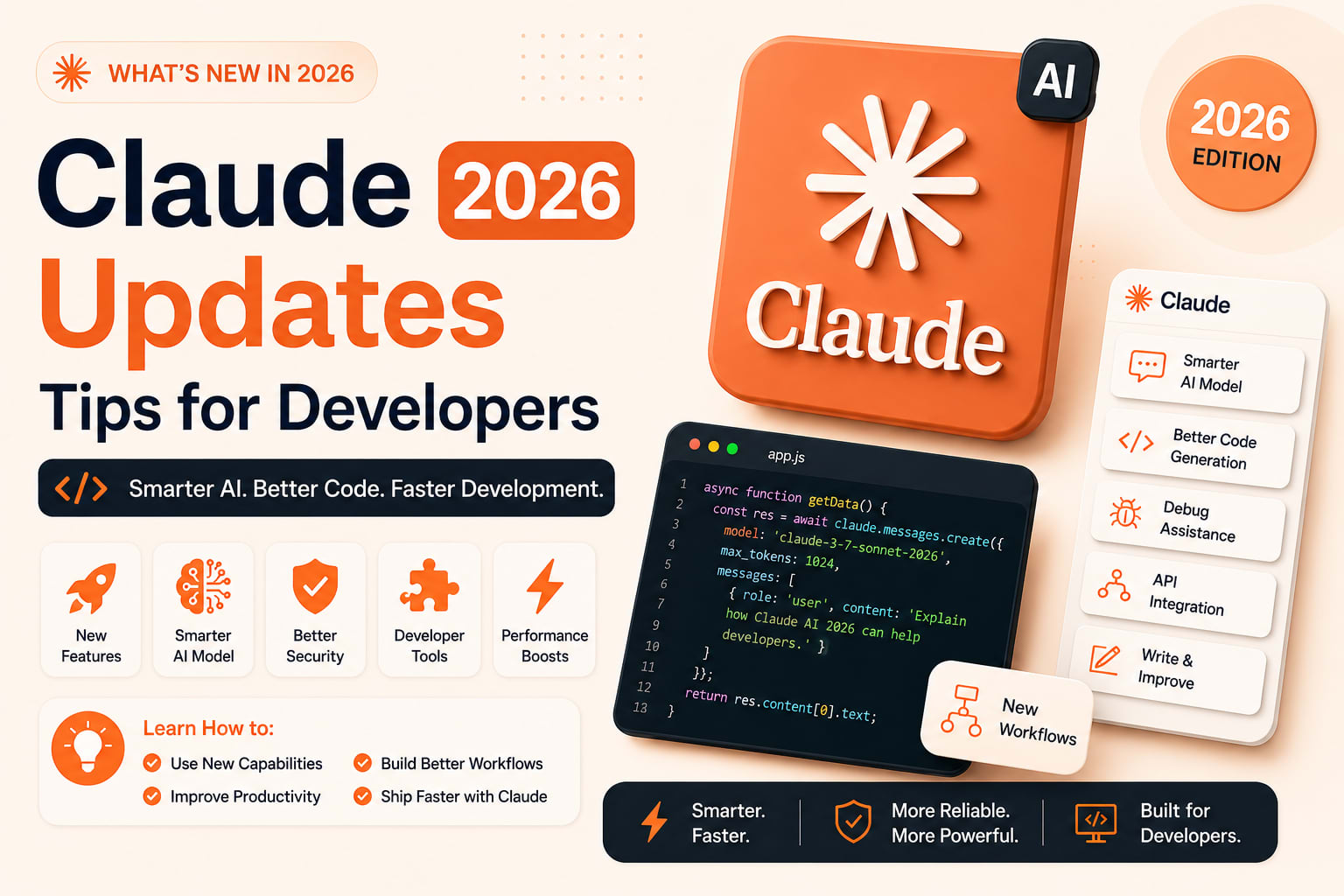
Claude in 2026: Every Major Update for Developers — And How to Actually Use Them
Let me be honest about something.
For most of 2024, I used Claude the same way I used every other AI tool. Type a question. Get an answer. Copy some code. Move on. It was useful the way a good Stack Overflow search is useful — faster than thinking, but fundamentally the same workflow.
That changed this year. Not because Claude got smarter in some abstract benchmark sense, but because the tooling around it shifted in a way that actually changes how I build things day to day.
Here is every update that matters for developers in 2026, with practical tips for each one.
1. Claude Code — From Terminal Assistant to Development Platform
Claude Code has evolved from a terminal assistant into a comprehensive development platform spanning IDEs, desktop apps, and browsers. The pace of innovation hasn't slowed. Medium
If you installed Claude Code six months ago and haven't updated, you are running a significantly different tool than what exists today. Here is what shipped.
Auto Mode — The End of Constant Permission Prompts
Auto Mode lands in research preview: a classifier handles your permission prompts so safe actions run without interruption and risky ones get blocked. The middle ground between approving everything and --dangerously-skip-permissions. Laravel
Before Auto Mode, the choice was binary. Either you approved every single action manually — which broke flow constantly — or you used --dangerously-skip-permissions and crossed your fingers. Neither was a real solution.
How to use it well:
Enable Auto Mode for well-scoped tasks where the blast radius of a mistake is low — feature development in a branch, writing tests, documentation updates. Keep manual approval on for anything touching production config, database migrations, or infrastructure files.
bash
claude --auto-mode
Think of it the same way you think about giving a junior developer access to a staging environment versus production. Appropriate trust for the appropriate context.
Dispatch — Background Job Mode
Dispatch and Channels are designed to work together. Dispatch starts a job; Channels give you a way to listen for updates while it runs. Dispatch sends a task via API, and Claude Code picks it up, runs it, and returns results. No human sitting in the loop. No terminal session required. This is a meaningful architectural shift. Acquaintsoft
Most developers have been using Claude Code in a conversational mode: you type something, it responds, you react. Dispatch breaks that pattern entirely. It is closer to how you would use a Lambda function or a background job worker — except the worker can reason, edit files, and run commands. Acquaintsoft
Practical use cases:
- Kick off a test suite analysis before you go to sleep. Read the summary in the morning.
- Trigger a documentation rebuild whenever a PR merges, via webhook.
- Run batch code review across multiple files simultaneously without sitting at your terminal.
bash
# Start a background task via API
curl -X POST https://api.claude.ai/dispatch \
  -H "Authorization: Bearer $CLAUDE_KEY" \
  -d '{"task": "Review all files changed in this PR for security issues", "repo": "my-app"}'
Channels — Real-Time Streaming from Running Agents
Channels is the messaging layer that makes Dispatch actually usable in production. When Claude Code runs a background task via Dispatch, you need a way to know what's happening. Channels provides a structured stream of events from a running Claude Code session that you can subscribe to, log, or react to in real time. Acquaintsoft
Tip: Build a simple Slack webhook listener on top of Channels for long-running tasks. You get notified when the job completes, what it changed, and whether anything needs your review. No polling, no checking a terminal you left open somewhere.
Computer Use — UI Testing Without Writing UI Tests
Computer Use allows Claude Code to interact with graphical interfaces: clicking buttons, filling forms, reading visual content, navigating web applications. It works by taking screenshots, reasoning about what's on screen, and issuing mouse and keyboard actions. The immediate use cases are things that couldn't be automated with code alone: UI testing, data collection from sites without APIs, legacy system interaction, and visual QA — checking that a UI looks right, not just that the code runs. Acquaintsoft
How to use it:
Describe the user flow in plain language. Claude Code handles the automation. This works especially well for regression testing UI changes — instead of maintaining a brittle Selenium test suite, you describe the expected behavior and Claude verifies it visually.
"Open the checkout flow, add a product to cart, go through payment,
and verify the confirmation page shows the correct order total."
Important caveat: Auto Mode and Computer Use together are powerful. Be deliberate about what environments you point it at. Staging only until you fully understand the scope of what it can do.
Dreaming — Agents That Improve Overnight
Dreaming looks really interesting. You can run a task overnight which examines previous sessions and creates new memories — in one example it created a descent-playbook.md file. Kamruzzaman Polash
Claude Managed Agents now support Dreaming in research preview, adding self-improving memory that reviews past sessions for patterns. Laravel News
Practical tip:
Run Dreaming at the end of a complex project phase. Claude reviews every session where something went wrong, every correction you made, every pattern that repeated — and writes structured memory files your next session loads automatically. It is the closest thing to an agent that actually learns your codebase.
CI Auto-Fix — PRs That Fix Themselves
With Routines, developers can setup async automations and wake up to PRs that are ready to merge. The idea with the PR auto-fixes is that the person who owns the PR is never going to see a red X. Claude is prompting Claude Code on its own. Kamruzzaman Polash
This is the feature that sounds like marketing until you use it once. A PR fails CI. Before you see the notification, Claude Code has already identified the issue, written a fix, and filed an update to the PR. You open GitHub to find a failing build and a pending fix waiting for your review — not a red X waiting for your time.
Setup tip: Start with the lowest-risk CI failures — lint errors, formatting issues, type errors. Build trust with the automated fixes before letting it touch test failures or logic issues.
2. Claude in Chrome — Browser Agent
Claude in Chrome is now available in beta to all paid plan subscribers, including Pro, Team, and Enterprise plans. Claude Code integration: Build in your terminal with Claude Code, then test and verify in the browser with the Chrome extension. Claude can read console errors, network requests, and DOM state to help debug issues directly. Control browser actions from Claude Desktop: Start a task in Claude Desktop and let it handle work in the browser without switching windows. Cloudways
Developer workflow tips:
- Use it to debug production issues directly — Claude reads your console errors and network tab without you copying and pasting anything.
- Pair it with Claude Code: write the fix in the terminal, verify it in the browser, all in one session.
- Record repetitive browser workflows once and delegate them entirely.
"Go to our staging environment, log in as a test user,
navigate to the settings page, and verify the API key
rotation flow works end-to-end."
3. Managed Agents with Cross-Session Memory
Claude adds Memory for Managed Agents in public beta, giving agents cross-session learning with filesystem-based memories, API control, audit logs, and portable stores for enterprise teams building long-running agents. Your agents can now learn from every session, using an intelligence-optimized memory layer that balances performance with flexibility. Because memories are stored as files, developers can export them, manage them via the API, and keep full control over what agents retain. Laravel News
Why this matters for solo developers and small teams:
Previously, every agent session started cold. The agent had no context about your project structure, your naming conventions, your architecture decisions, your past mistakes. You rebuilt that context with every prompt.
With persistent memory, the agent accumulates project knowledge over time. By week three, it knows your codebase better than a new contractor would after a month.
Tip: Explicitly tell the agent what to remember at the end of productive sessions.
"Before we close: remember that we use repository pattern
for all database access, controllers stay thin, and all
external API calls go through the dedicated service layer."
4. Opus 4.7 with Extended Thinking — xhigh Effort Level
Claude Opus 4.7 with new xhigh effort level (between high and max) is now available via /effort, --effort, and the model picker. Other models fall back to high. Pegotec
Extended thinking capabilities deserve special attention. Both Opus and Sonnet 4.6 support extended thinking, allowing the models to work through complex problems systematically. Medium
When to use xhigh effort:
Not for everything — xhigh thinking takes longer and costs more tokens. Use it for:
- Architectural decisions where getting it wrong is expensive
- Security review of authentication flows
- Debugging a subtle race condition or memory leak
- Designing database schemas for complex domain models
Use standard mode for boilerplate, documentation, and routine refactors. Save the thinking budget for problems where the reasoning actually changes the outcome.
bash
claude --effort xhigh "Review this authentication implementation
for security vulnerabilities, focusing on session management
and token handling"
5. Message Batches API — 50% Cost Reduction at Scale
The Message Batches API processes large batches of queries asynchronously at 50% of standard API cost. For workloads that don't require immediate responses — like overnight test suite analysis or bulk documentation generation — this represents substantial savings. Medium
Use cases where this changes the math:
- Generating documentation for every function in a legacy codebase
- Running security analysis across all API endpoints
- Embedding generation for semantic search across large content libraries
- Batch code review across an entire repository after a major refactor
If you have been avoiding AI-powered analysis at scale because of cost, the Batches API removes that barrier for async workloads.
python
import anthropic

client = anthropic.Anthropic()

batch = client.messages.batches.create(
    requests=[
        {
            "custom_id": f"review-{filename}",
            "params": {
                "model": "claude-sonnet-4-6",
                "max_tokens": 1024,
                "messages": [
                    {
                        "role": "user",
                        "content": f"Review this file for security issues:\n\n{code}"
                    }
                ]
            }
        }
        for filename, code in files.items()
    ]
)
6. MCP — Connect Claude to Your Stack Directly
MCP v2.1 allows Claude to communicate with your databases (PostgreSQL, Redis) or internal systems instantly through a few lines of configuration. This eliminates the tedious task of writing glue code to bridge AI with your backend. Laravel
What this looks like in practice:
Instead of copying database query results into a chat window, Claude connects directly to your PostgreSQL instance. Ask it to analyze query performance, find N+1 patterns, suggest indexes — against your actual data, not a hypothetical example.
json
// .claude/mcp.json
{
  "servers": {
    "postgres": {
      "command": "mcp-server-postgres",
      "args": ["postgresql://localhost/myapp"]
    },
    "redis": {
      "command": "mcp-server-redis",
      "args": ["redis://localhost:6379"]
    }
  }
}
Skills are now easier to deploy, discover, and build with organization-wide management for Team and Enterprise plans, a directory of partner-built skills, and an open standard so skills work across AI platforms. Cloudways
7. Rate Limits Doubled — More Room to Build
Increased rate limits for developers on Claude Code and the API were announced at Code w/ Claude 2026: doubling the Claude Code five-hour limit for Pro, Max, and Enterprise customers. Anthropic API volume is up 17x year-on-year. Kamruzzaman Polash
The practical impact: complex multi-step tasks that previously hit rate limits mid-execution now complete cleanly. Long refactoring sessions, large codebase analysis, and multi-file generation are all more reliable.
8. Free Max Plan for Open Source Maintainers
Anthropic launched the Claude for Open Source program in late February 2026. The program gives qualifying open source maintainers six months of Claude Max 20x — Anthropic's highest-tier plan at $200 per month — completely free. Total value: $1,200. Up to 10,000 spots available. Applications close June 30, 2026. Medium
Maintainers must be a primary maintainer or core team member of a public repo with 5,000+ GitHub stars or 1M+ monthly NPM downloads, and have made commits, releases, or PR reviews within the last 3 months. The exception clause for critical infrastructure projects is real — maintainers of packages with high downstream dependency counts but lower visibility metrics have been accepted. Medium
Apply at claude.com/contact-sales/claude-for-oss before June 30, 2026.
Practical Tips for Developers in 2026
After working with these tools across several projects, here is what actually makes a difference:
1. Scope your tasks tightly. Vague prompts produce vague results. "Refactor the authentication module" is worse than "Extract the token validation logic from AuthController into a dedicated TokenValidator service with a single public validate() method."
2. Use extended thinking for architecture, not for boilerplate. Save the expensive reasoning for decisions that are hard to reverse. Use fast mode for code that is easy to test and easy to redo.
3. Treat MCP configuration as infrastructure. Set it up once per project, commit it to the repo, and every team member gets the same connected AI environment.
4. Dispatch long-running tasks, don't sit and watch them. The old habit of watching Claude Code run in a terminal is a waste of your attention. Dispatch it, subscribe to Channels for completion events, and go do something else.
5. Let Dreaming maintain your agent's memory. Run it at the end of a sprint or at project milestones. The improvement in context quality in subsequent sessions is significant.
6. Use the Batches API for anything that doesn't need a real-time response. The 50% cost saving makes AI analysis at scale economically viable for projects of any size.
Where This Is All Going
Shopify is aiming for 90% autonomous coding by Q3 2026. Mercado Libre has 23,000 engineers using Claude Code. Execs and managers are getting their hands dirty with code again, because you don't need so much time to be able to usefully contribute. Kamruzzaman Polash
The tools are changing faster than most developers' workflows are adapting. The gap between teams using agentic coding effectively and teams using AI as a smarter autocomplete is growing — and it compounds.
The features above are not future roadmap items. They are available today. The question is just how quickly you build them into how you actually work.
If you want help setting up any of these workflows for your stack, feel free to reach out.
Tushar Modi — Full Stack Developer, Jaipur tusharmodi.in