
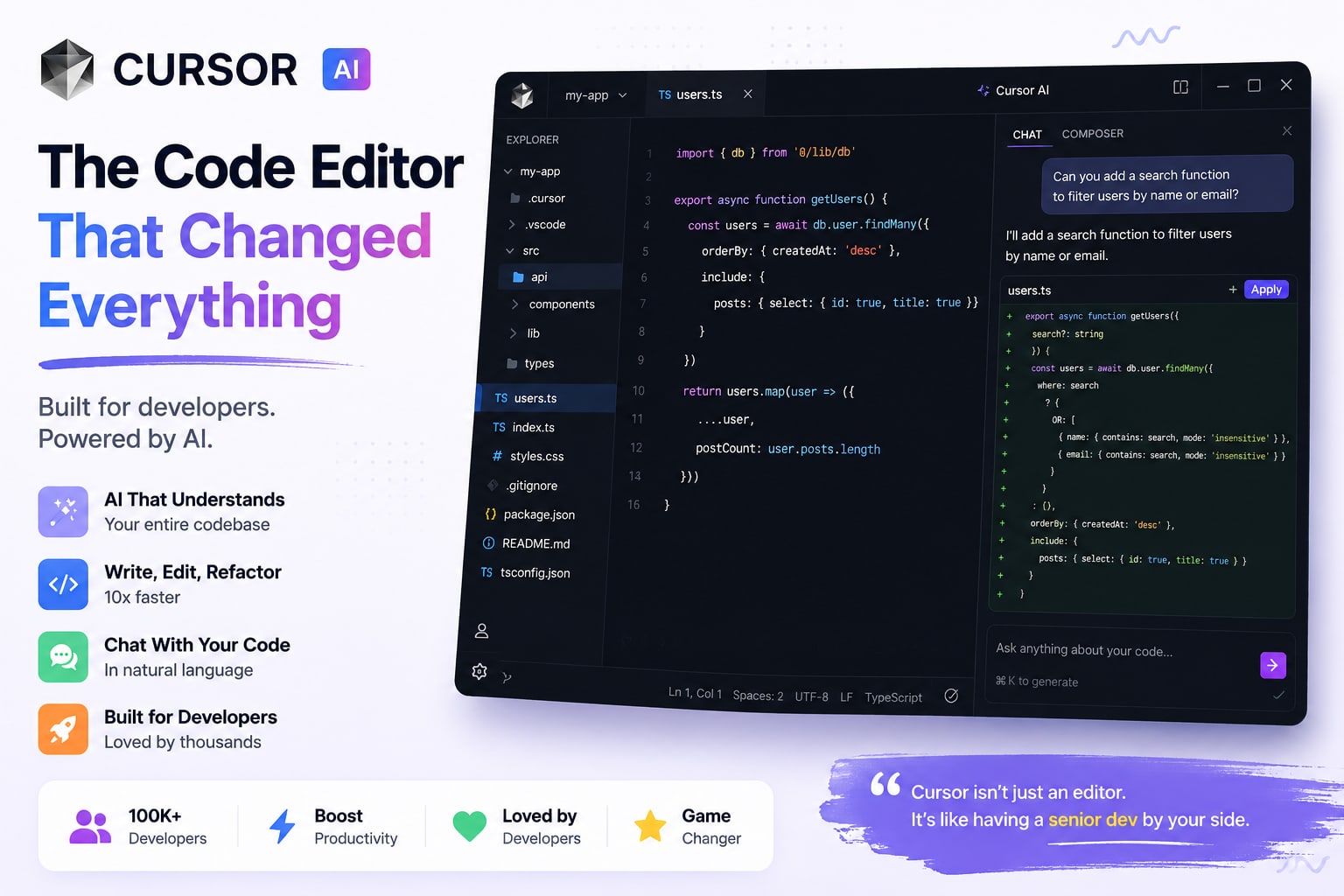
What Makes Cursor Different
Dozens of AI coding tools exist. What makes Cursor genuinely different is that the AI has full codebase context — not just the file you are in, but your entire repository, documentation, and test files. When you ask Cursor why the auth middleware is breaking on multi-tenant requests, it can read your auth middleware, tenant model, route definitions, and middleware registration to give a meaningful answer.
Agent Mode: The Game Changer
Cursor's Agent mode is the feature that makes experienced developers do a double-take. You describe what you want — "Add a two-factor authentication flow to the existing auth system, use TOTP, and follow the existing code patterns" — and Cursor reads the relevant files, writes the code, modifies existing files, and shows you a diff of every change it wants to make. You approve, reject, or modify each change before it is applied.
Use Cursor Agent for feature implementation and refactoring. Use inline chat for quick edits and explanations. The two modes have very different strengths.
Codebase Indexing
When you open a project, Cursor indexes your entire codebase into embeddings. This enables both semantic search and context-aware generation. Indexing takes a few minutes on large projects but only runs once — after that it is incremental. Cursor also offers a privacy mode that processes everything locally.
Where Cursor Falls Short
Cursor is not magic. It hallucinates API signatures occasionally, especially for newer or less common libraries. Blindly accepting all suggested changes is a great way to introduce subtle bugs. It also struggles with open-ended creative tasks or tasks requiring web research.
Is the $20/month Worth It?
If you are a professional developer, yes. The productivity gains on real projects are substantial. I estimate saving 2-3 hours per week on boilerplate, refactoring, debugging, and code review — easily worth the cost.