
Codex CLI vs Copilot vs Cursor
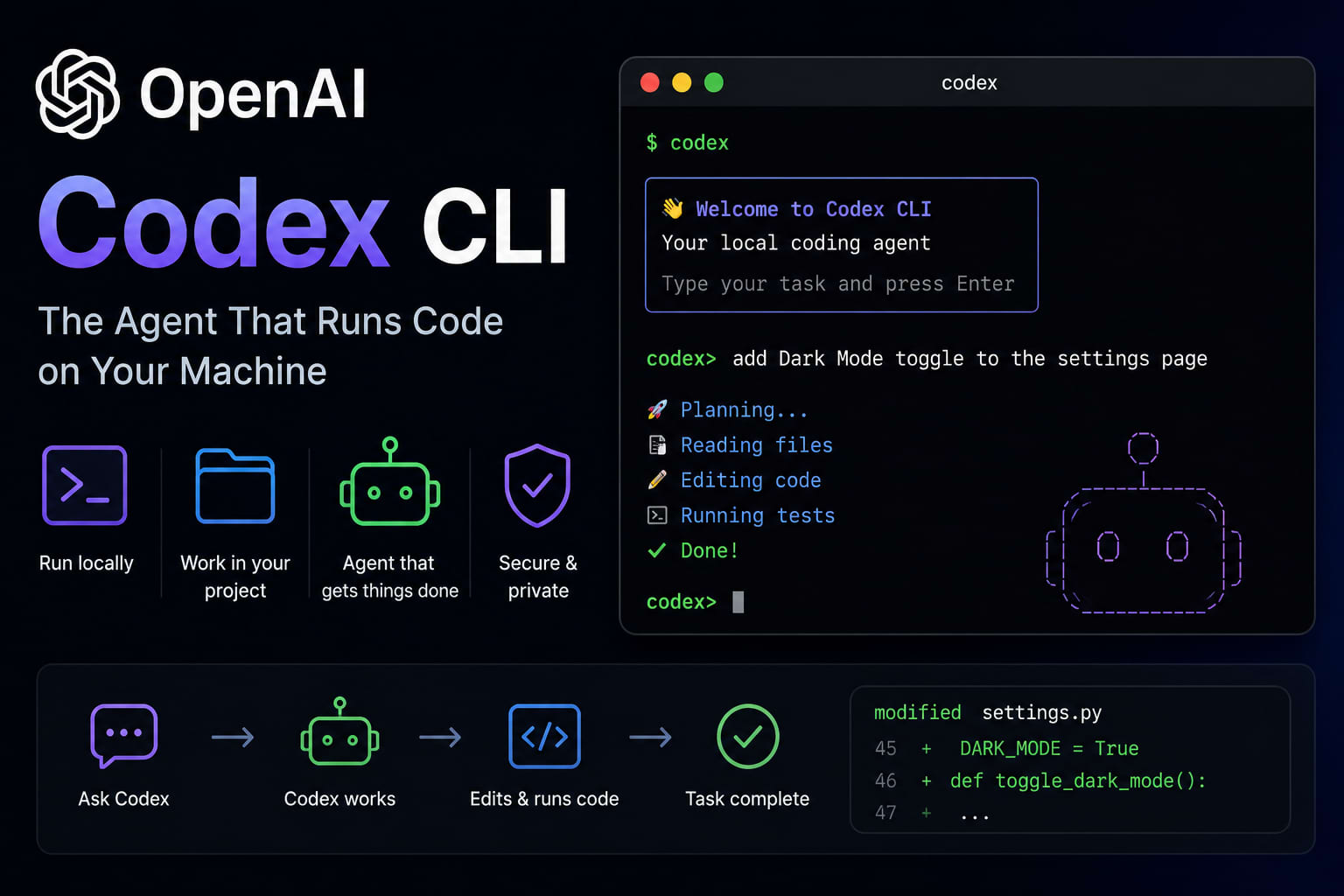
Before diving in: OpenAI Codex CLI is not the same as the old Codex API that powered early GitHub Copilot. The new Codex CLI is a terminal-based autonomous coding agent. You run it from your command line, point it at your project, and give it a natural language task. It then autonomously reads files, writes code, runs shell commands, reads the output, and iterates until the task is done.
The key difference from Cursor or Copilot is autonomy. Instead of suggesting completions you accept line by line, Codex CLI takes an objective and executes it — running multiple steps without you in the loop.
Installation and Setup
npm install -g @openai/codex

export OPENAI_API_KEY=sk-...

codex "add input validation to the user registration endpoint and write tests"
Sandboxing and Safety
Codex CLI runs in one of three modes: Suggest (shows you commands before executing), Auto-Edit (edits files without asking but never runs shell commands), and Full Auto (executes everything autonomously). For anything other than a throwaway project, you want Suggest mode.
Always run Codex CLI against a git repository with clean working state. Every session should start with a fresh commit so you can easily diff or reset everything the agent did.
What It Is Actually Good At
Codex CLI excels at well-defined, bounded tasks: "refactor all these functions to use async/await", "add error handling to all API endpoints that are missing it", "write unit tests for all functions in this file". These tasks have clear success criteria that a human can verify by looking at the diff and running the test suite.
Integrating into Your Workflow
The most effective pattern is to use Codex CLI for bulk work you would find tedious — adding doc comments to every function, migrating from one library to another, fixing all linting errors — and reserve your own attention for architecture decisions, code review, and the creative problem-solving that AI cannot yet reliably replicate.